Reader-supported. We may earn a commission on purchases through our links. Disclosure ›
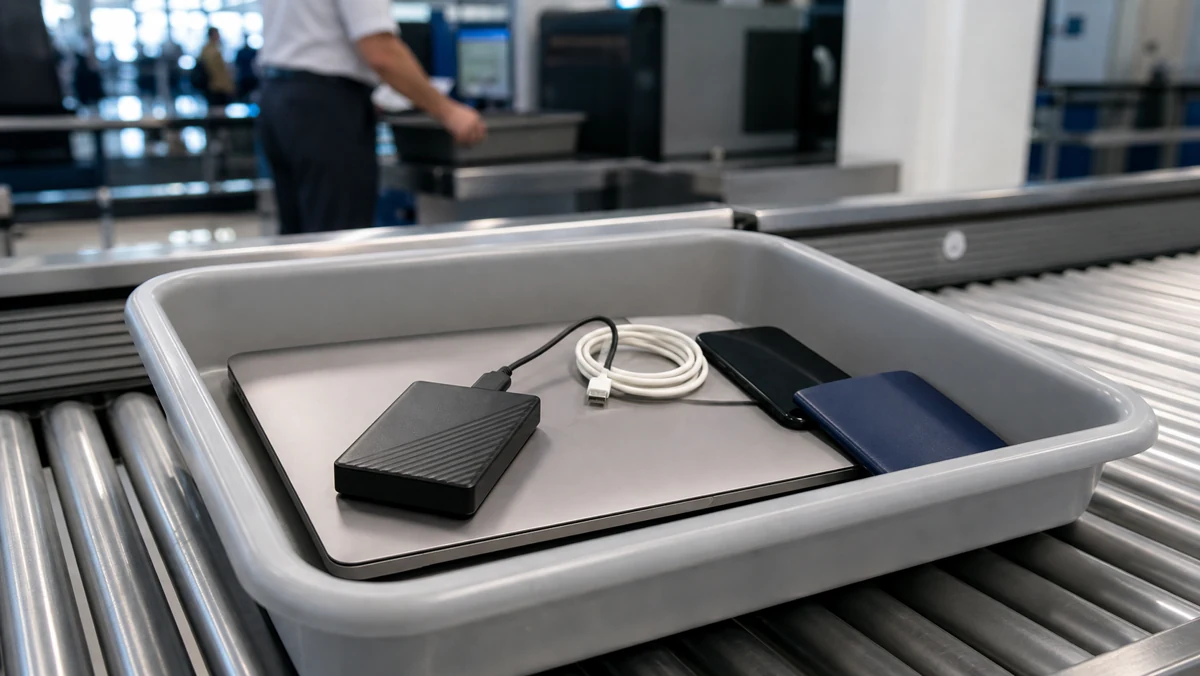
Yes, you can bring a hard drive on a plane. TSA lists disassembled computer parts and external hard drives as allowed in both carry-on and checked bags. For most travelers, the better choice is carry-on because hard drives are fragile, valuable, and often contain personal or work data.
The security concern is usually not the drive itself. It is whether the X-ray image is clear, whether the device appears tampered with, and whether your destination has separate rules about encrypted work data. If you pack it neatly and keep it accessible, an external hard drive usually goes through airport security like any other electronics accessory.
Recommended hard drives and SSDs for travel
These affiliate links point to popular, well-reviewed storage options that make sense for travelers. Exact prices and ratings change, so compare current listings before buying.
Best rugged SSD
Samsung T7 Shield portable SSD
A strong pick for most travelers because it is compact, fast, and built for more bumps than a basic desk drive.
Best fit for photo backups, work files, and frequent travel.
Fast SSD pick
Samsung T9 portable SSD
A better fit if you move large video files or want faster transfers than a basic external SSD.
Check device compatibility before paying for extra speed.
Value SSD pick
Crucial X9 or X9 Pro portable SSD
A practical value option when you want SSD durability without paying for the most expensive travel drive.
Good for everyday backups and document storage.
Budget capacity
WD My Passport portable hard drive
A spinning hard drive is usually cheaper per terabyte, but it needs more careful handling than an SSD.
Best when storage space matters more than impact resistance.
Protection
Shock-resistant hard drive case
Useful for spinning drives and SSDs that need padding inside a backpack or personal item.
Choose a case that fits your exact drive size.
Organization
Travel electronics organizer
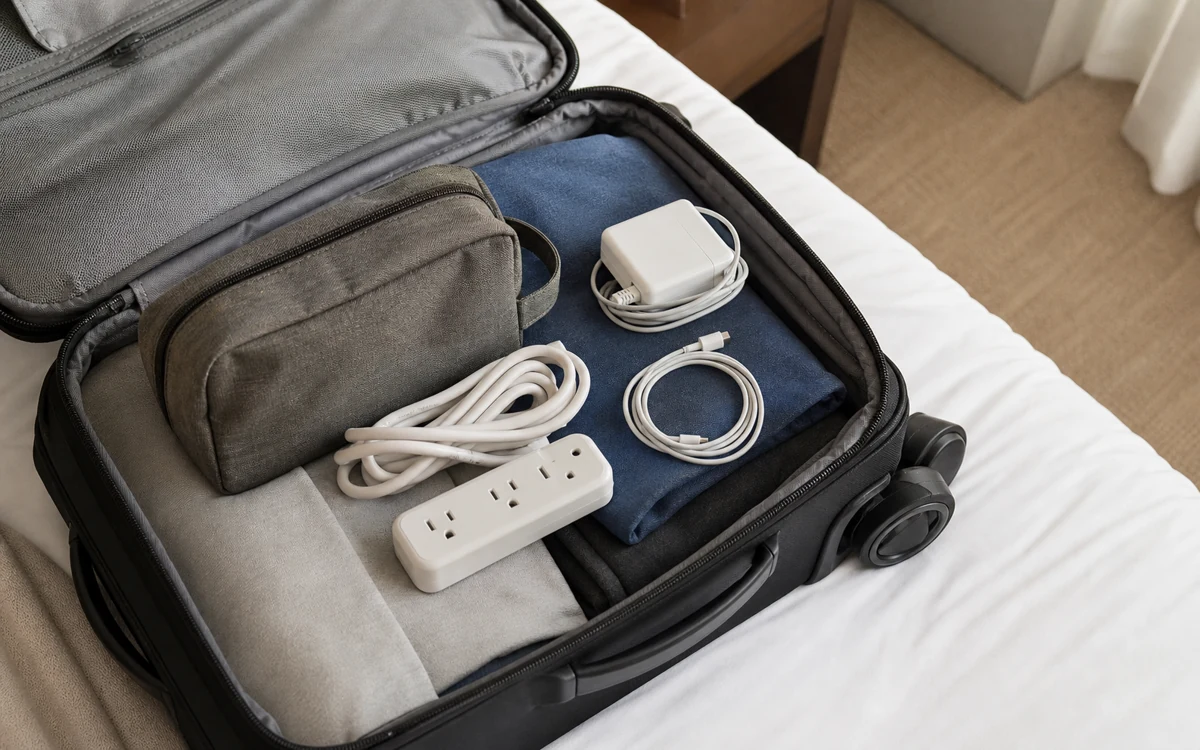
Keeps a hard drive, cable, adapters, and small accessories together so airport screening is cleaner.
Avoid a loose cable pile around electronics.
Hard Drive on a Plane: Quick Rules
- External hard drives: allowed in carry-on and checked luggage.
- Internal hard drives and computer parts: also generally allowed by TSA.
- Best place to pack them: carry-on, especially for SSDs, hard disk drives, work files, photos, or backups.
- Screening: you normally do not need to remove a small external drive unless an officer asks.
- Data risk: TSA screening is not the main risk. Loss, impact, theft, and destination-country inspection rules matter more.
Bringing an External Hard Drive in Carry-On Luggage
Carry-on is the safest place for an external hard drive. It stays with you, it avoids rough checked-bag handling, and you can answer questions if a security officer wants a closer look.
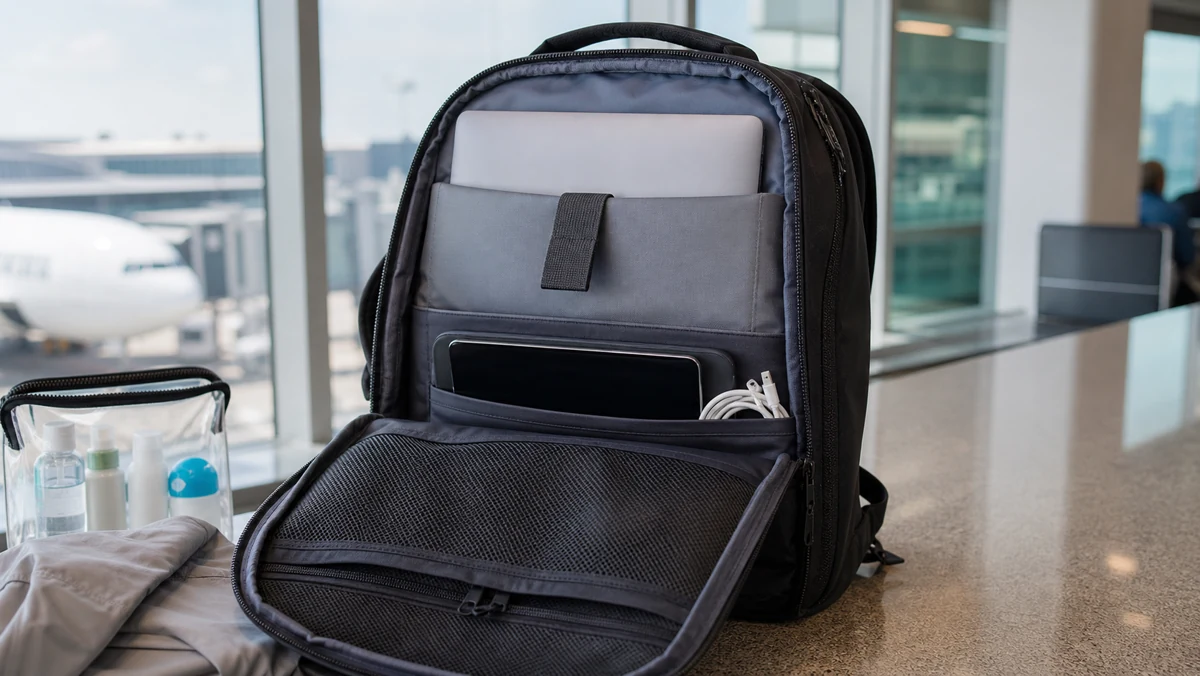
Place the drive in an electronics pouch or padded sleeve near your laptop, camera gear, or chargers. Avoid burying it under dense cables, batteries, tools, or metal accessories. A clean X-ray image makes secondary screening less likely.
If you are also packing a laptop, see our guide to traveling with laptops on planes because the laptop battery rules are slightly different from a simple external drive.
For most normal travel, the answer to “can I bring a hard drive on a plane” is straightforward: yes, keep it protected and carry it with your other electronics.
Can You Put a Hard Drive in Checked Luggage?
You can put a hard drive in checked luggage, but it is usually not the best option. Checked bags can be dropped, stacked, delayed, searched, or lost. Traditional spinning hard drives are especially vulnerable because the internal parts can be damaged by sharp impact.
If you must check one, use a padded case, keep it powered off, and place it in the center of the bag surrounded by clothing. Do not check the only copy of important files. For irreplaceable photos, client files, or documents, carry the drive on and keep a cloud or second physical backup.
What Happens at Airport Security?
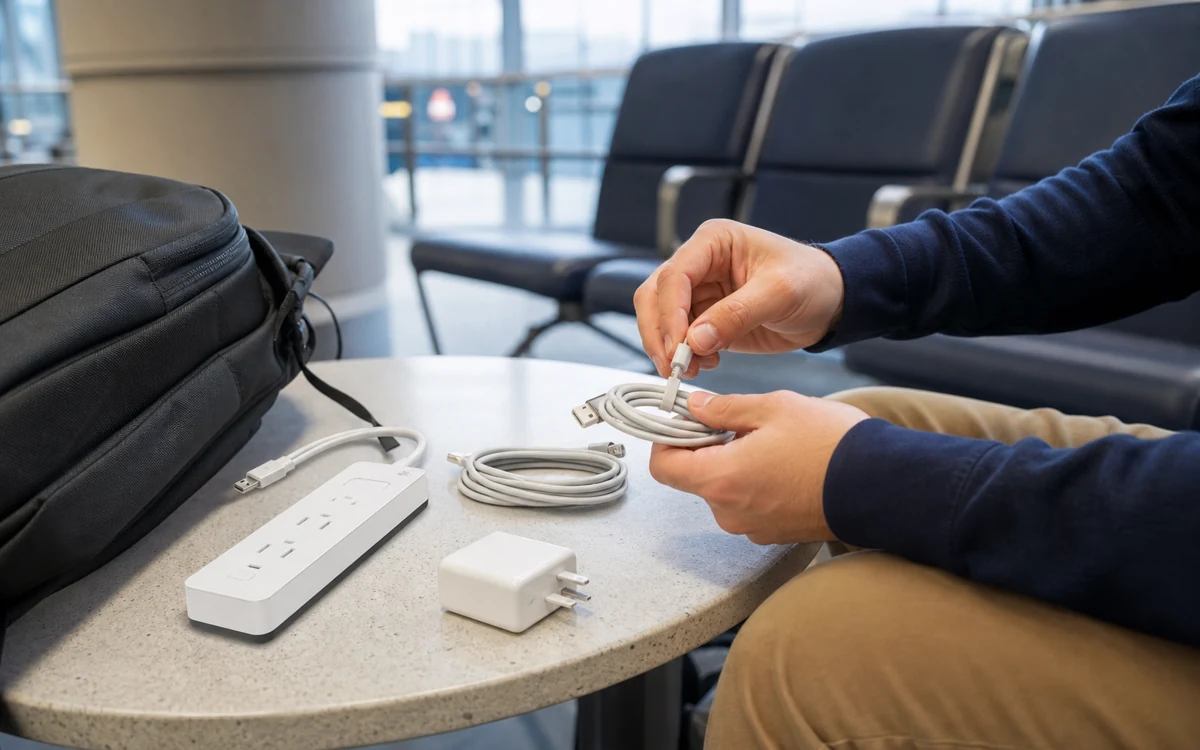
TSA’s official page for disassembled computer parts and external hard drives lists them as allowed in carry-on and checked bags. The final checkpoint decision still belongs to the TSA officer, so an item can be inspected if it looks unusual, has loose parts, or triggers an alarm.
Most small portable drives can stay in your bag. Larger electronics may need to be separated if the officer asks, especially at checkpoints using older X-ray equipment. TSA also says travelers may be asked to separate items that clutter a bag and obstruct the X-ray image.
For a smoother checkpoint, keep your drive, laptop, camera, and chargers in one organized pouch. If the drive has an unusual enclosure, exposed circuit board, or custom cable setup, pack it where you can remove it quickly.
Data Privacy, Encryption, and International Trips
TSA is screening for transportation security, not casually browsing vacation photos. Border and customs rules are separate from TSA checkpoint rules, so international travelers should think about sensitive work data before crossing borders.
For normal vacation backups, this rarely becomes an issue. For confidential work files, legal documents, client data, or encrypted company drives, ask your employer what travel policy applies before you fly. Some travelers use a clean travel drive, encrypted cloud access, or a company-approved device rather than carrying sensitive archives across borders.
7 Safe Travel Tips for Hard Drives
- Carry it on when possible. Your bag is less likely to be dropped, delayed, or lost.
- Use a padded case. A small shock-resistant case is worthwhile for spinning hard drives.
- Pack cables separately. Keep the USB cable with the drive, but avoid a tangled cable pile.
- Back up before leaving. Never travel with the only copy of important files.
- Label the case, not the drive data. Use contact info, not sensitive project names.
- Keep work data policy-compliant. Check employer or client rules before crossing borders.
- Prefer SSDs for frequent travel. Solid-state drives handle bumps better than older spinning drives.
If you are still wondering, “can I bring a hard drive on a plane if it is large, encrypted, or work-issued?” the TSA item rule is still permissive, but your employer, airline, or destination country may create separate practical limits.
In other words, “can I bring a hard drive on a plane” is a packing question more than a restriction question. Treat the drive like a fragile backup device, not like ordinary clothing.
The practical answer for most travelers
If your hard drive has important work files, family photos, client data, or backups, treat it like a passport or wallet: keep it in your carry-on. TSA allows external hard drives, and airport X-ray screening is not the main risk. The bigger risk is a checked bag being dropped, delayed, searched roughly, or lost.
For a short domestic trip, one padded drive in a backpack is usually enough. For international travel, business travel, or a once-in-a-lifetime photo trip, carry two copies in separate places and encrypt anything sensitive before you leave home.
FAQs
Can I bring an external hard drive in my carry-on?
Yes. External hard drives are allowed in carry-on luggage in the United States. Pack the drive where it is easy to remove if an officer wants a closer look, especially if you are carrying several electronics together.
Can I pack a hard drive in checked luggage?
Yes, but carry-on is safer. A hard drive in checked luggage can be exposed to rough handling, pressure from other bags, theft risk, and baggage delays. If you must check one, use a padded case and do not pack the only copy of important files.
Do I need to remove an external hard drive at TSA?
Usually no. TSA often focuses on larger electronics such as laptops, but officers can ask you to separate smaller electronics if the bag needs extra screening. Keeping the drive and cable organized makes this easier.
Can airport X-rays damage a hard drive or SSD?
Airport X-ray machines are not expected to erase or damage normal hard drives or SSDs. Physical impact, liquid damage, and losing the bag are much more realistic risks than the scanner itself.
Is an SSD better than a hard drive for travel?
An SSD is usually better for travel because it has no spinning disk and handles bumps better. A traditional hard drive can still work fine, but it should be padded and handled gently. Either way, keep a backup.
Can TSA look through files on my hard drive?
TSA screening is focused on transportation security, not browsing personal files. Officers may ask you to power on electronics, and other border or customs agencies can have different inspection authority, especially during international travel.
How should I pack multiple hard drives?
Put each drive in its own sleeve or padded case, keep cables separate, and avoid stacking loose drives together. If the drives contain critical data, split copies between your personal item and carry-on rather than putting all copies in one bag.
Should I encrypt a hard drive before international travel?
Yes, if it contains private, work, financial, medical, or client information. Encryption does not change TSA packing rules, but it helps protect your data if the drive is lost, stolen, or inspected under rules outside the airport checkpoint.
Bottom line: if you are asking, “can I bring a hard drive on a plane?” the answer is yes. Pack it in your carry-on, keep it padded, and do not make it the only copy of anything important.